utilities
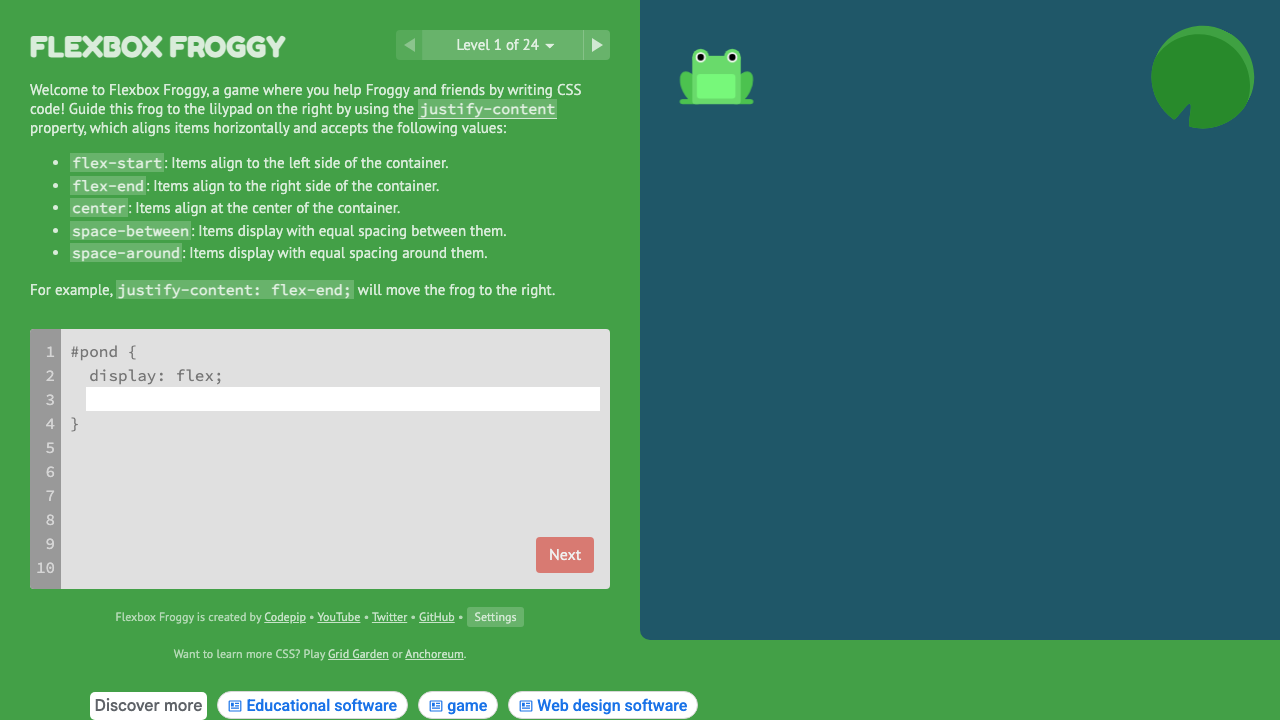
Flexbox Froggy
Learn CSS Flexbox through 24 interactive coding puzzles with frogs.
#flexbox#learning#interactive
Generate harmonious colour palettes from a single base colour using colour theory. Choose from 6 harmony modes, explore shades and tints, then copy the full palette as CSS custom properties ready to drop into your design system.
Base Color
HSL
hsl(161, 69%, 37%)
Color Harmony
Complementary Palette
Base Color Shades
Use the colour picker or type a hex value. This is the anchor colour your palette is built from.
Select Complementary, Analogous, Triadic, Split, Tetradic, or Monochromatic to generate a harmonious set.
The shades panel shows 9 tints and shades of your base colour from 50 to 900, Tailwind-style.
Grab the full :root block with all palette colours as --color-primary, --color-secondary, and shade tokens.
From our directory of 30+ CSS tools.
Know a great CSS tool?
Submit it to the directory and help developers discover it.