generators
CSS Gradient
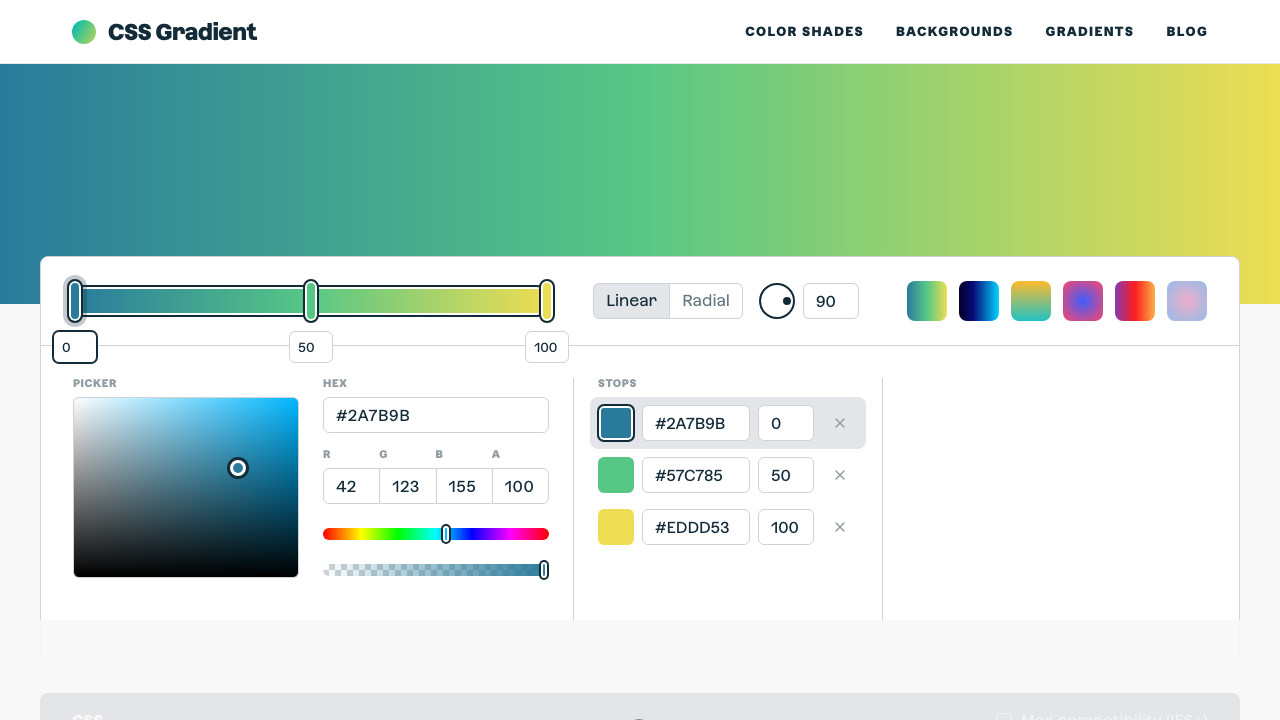
The ultimate CSS gradient generator with visual preview and code export.
#gradient#color#background
Build complete @font-face declarations for self-hosted web fonts. Add file paths for woff2, woff, and ttf formats — the generator outputs the correct src: with format() hints in performance order. Set font-display, weight, style, and optional unicode-range for variable font ranges.
Shows fallback immediately, swaps when loaded. Best for body text.
Set the font-family name that you'll reference in your CSS. It can be any string — wrap multi-word names in quotes.
Enter the URL or relative path for each format. woff2 is required and loads first for best performance.
Choose font-weight (single value or variable range like 100 900), font-style, and font-display strategy.
The output includes the @font-face block and a sample font-family: declaration to use it in your stylesheet.
From our directory of 30+ CSS tools.
Know a great CSS tool?
Submit it to the directory and help developers discover it.