generators
CSS Gradient
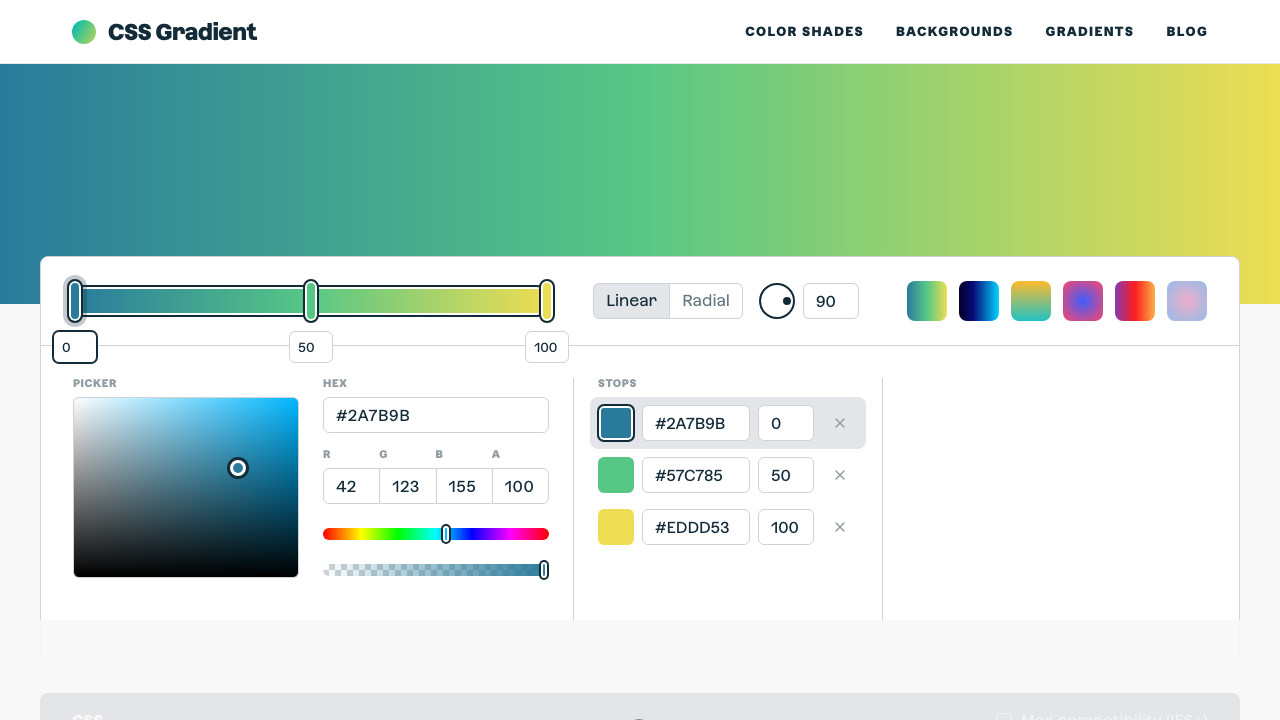
The ultimate CSS gradient generator with visual preview and code export.
#gradient#color#background
Mesh gradients — soft, blurry, overlapping color blobs — are one of the most popular design trends right now. This generator builds them entirely with stacked CSS radial-gradient() backgrounds, no images or canvas required, with an optional slow drifting animation. Add or remove color blobs, drag the softness slider, shuffle positions, and copy a single ready-to-use background rule.
How far each color fades out before becoming transparent.
Brand, sunset, cool, or pastel color sets — or build your own blob colors.
Add or remove color blobs, shuffle their positions, and control how soft the fade is.
Add a slow drifting motion and tune the duration.
One background rule (plus a keyframes block if animated) — apply it to any container.
From our directory of 30+ CSS tools.
Know a great CSS tool?
Submit it to the directory and help developers discover it.