utilities
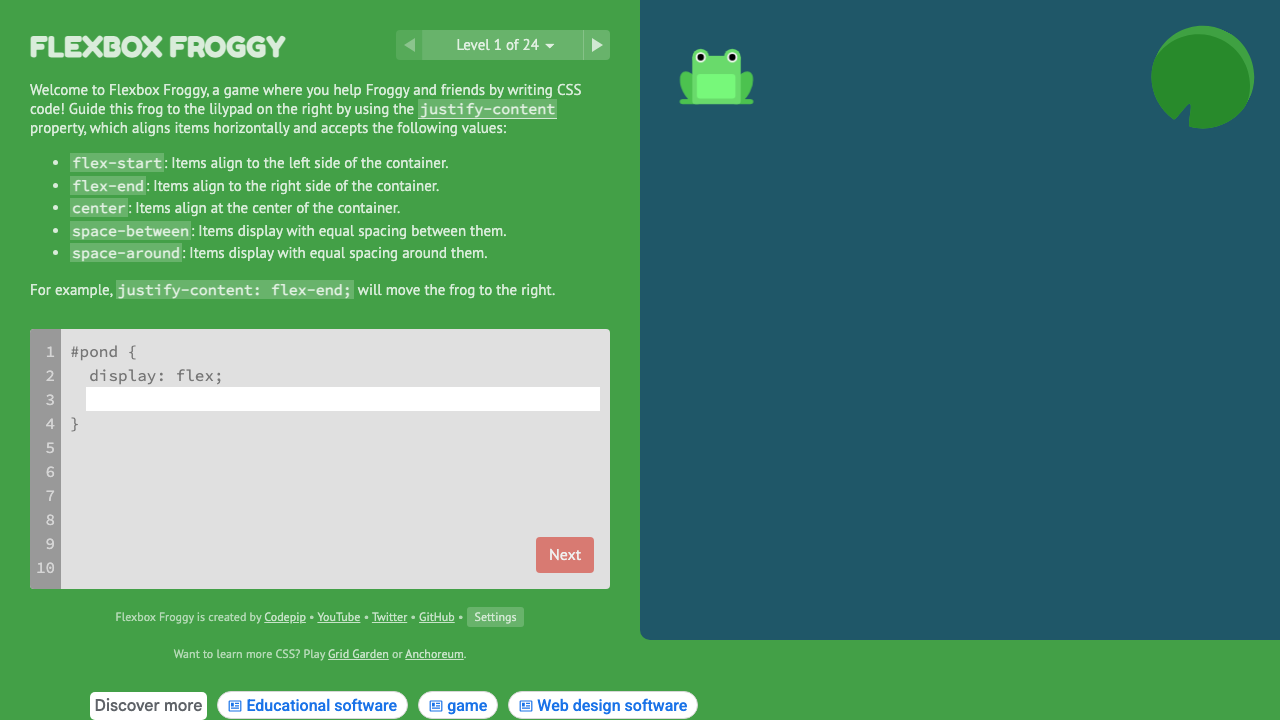
Flexbox Froggy
Learn CSS Flexbox through 24 interactive coding puzzles with frogs.
#flexbox#learning#interactive
Type one or more CSS selectors and instantly see their (a, b, c) specificity breakdown. Compare selectors side by side, ranked by weight, with visual bar charts for ID, class, and element counts.
CSS Selectors (one per line)
10 selectorsSpecificity Legend
ID selectors
#foo, #header
Class / attr / pseudo-class
.foo, [attr], :hover
Type / pseudo-element
div, p, ::before
Ranked by specificity
About !important
!important overrides specificity entirely — any declaration with it wins over all non-important declarations regardless of score. It is detected and flagged above but not factored into the numeric score.
Enter one CSS selector per line in the textarea. Pre-loaded examples help you get started.
Purple = ID selectors, Blue = class/attribute/pseudo-class, Green = type selectors and pseudo-elements.
Results are ranked highest specificity first. The total score bar shows relative weight at a glance.
Use 'Copy table' to grab a formatted plain-text version of all results.
From our directory of 30+ CSS tools.
Know a great CSS tool?
Submit it to the directory and help developers discover it.