generators
CSS Gradient
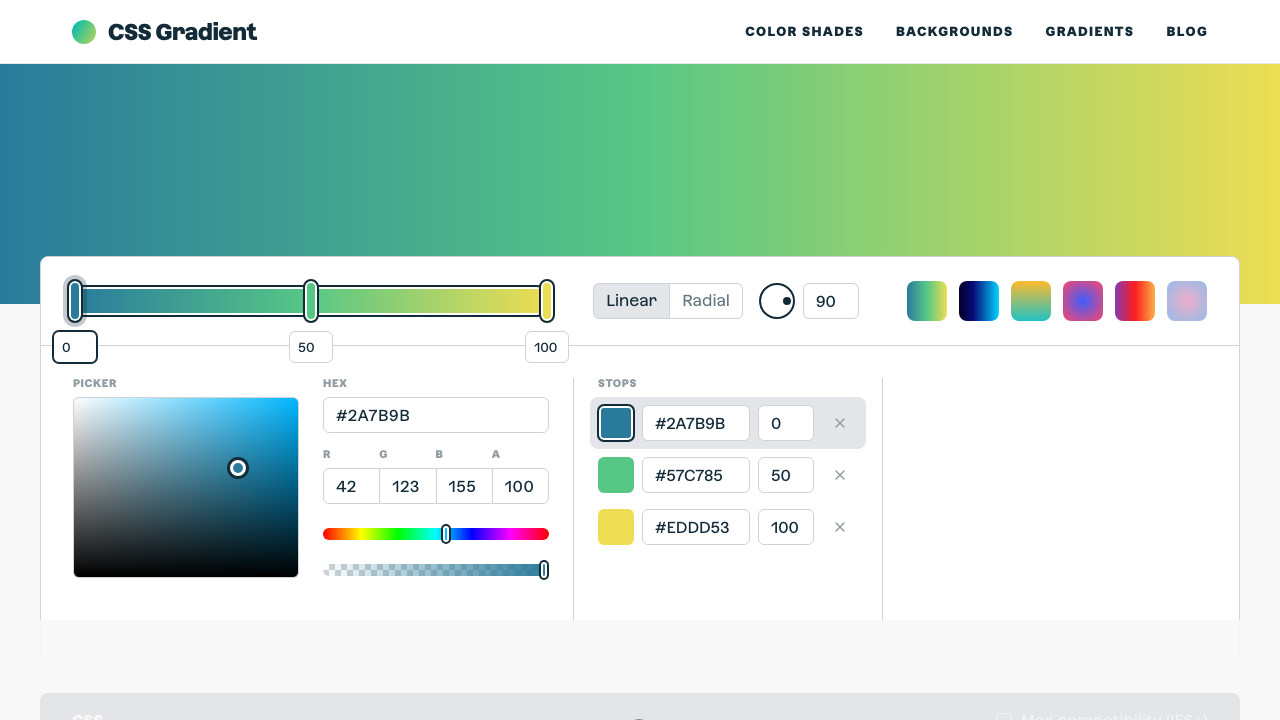
The ultimate CSS gradient generator with visual preview and code export.
#gradient#color#background
Layer multiple text-shadows visually. Control horizontal/vertical offset, blur radius, and colour per layer. Enable or disable layers individually, adjust font size, and copy production CSS instantly.
Hello World
Presets
Layers (1)
Color
Start from Neon, Fire, 3D, Emboss, Glow, Retro, Crisp, or Soft — then customise from there.
Click '+ Add' to stack multiple text-shadows. Enable or disable each layer with the checkbox.
Select a layer to edit its X/Y offsets, blur radius, and colour. Adjust the font size slider to preview at your target size.
Hit Copy CSS to get the complete text-shadow declaration, ready to paste into your stylesheet.
From our directory of 30+ CSS tools.
Know a great CSS tool?
Submit it to the directory and help developers discover it.