utilities
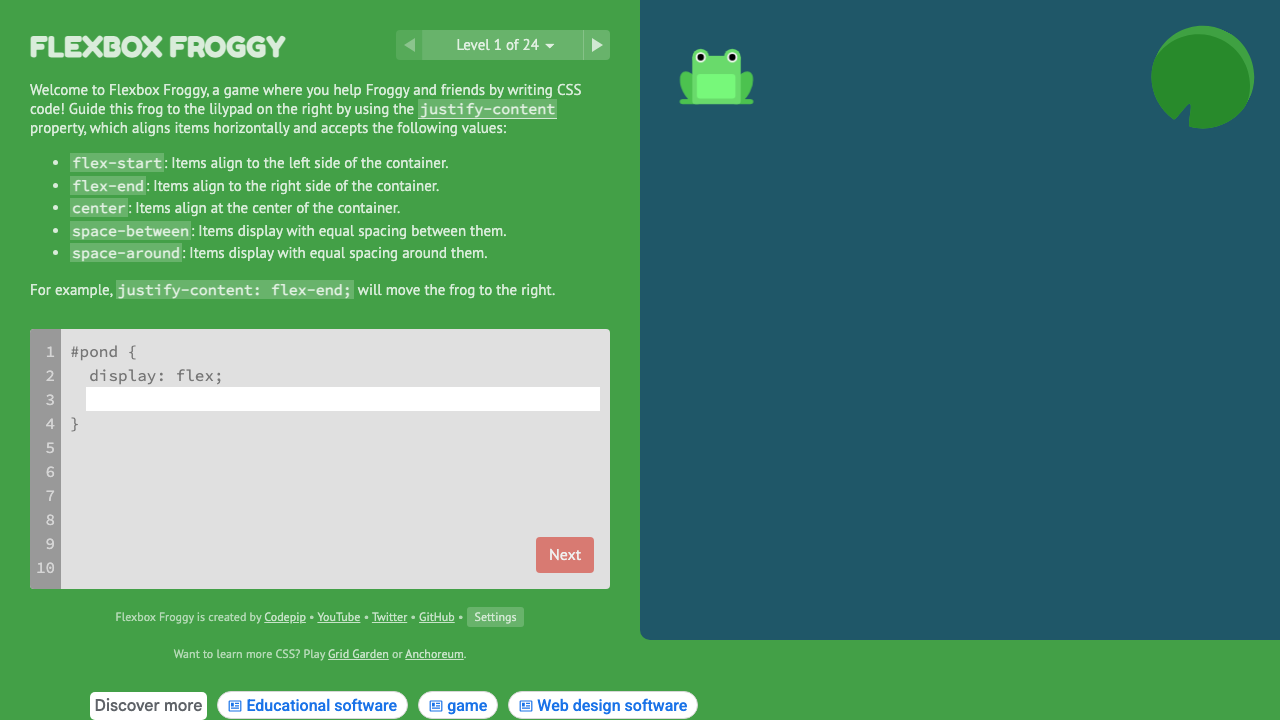
Flexbox Froggy
Learn CSS Flexbox through 24 interactive coding puzzles with frogs.
#flexbox#learning#interactive
Upload a single source image and get every favicon and app icon size a modern site needs — favicon.ico, 16×16, 32×32, 48×48, apple-touch-icon, and Android Chrome 192/512 icons — plus a site.webmanifest and the exact <head> snippet to paste in. Download everything as one zip, ready to drop into your project's public folder.
PNG, JPG, WebP, or SVG. Square images work best — non-square sources are centered and letterboxed.
Used in site.webmanifest (name & short_name).
Upload an image to see the generated icon set.
<link rel="icon" type="image/png" sizes="32x32" href="/favicon-32x32.png">
<link rel="icon" type="image/png" sizes="16x16" href="/favicon-16x16.png">
<link rel="apple-touch-icon" sizes="180x180" href="/apple-touch-icon.png">
<link rel="manifest" href="/site.webmanifest">
<link rel="icon" href="/favicon.ico" sizes="any">
<meta name="theme-color" content="#1d9e75">
Drop in a PNG, JPG, WebP, or SVG. Square, high-resolution sources (512×512 or larger) give the cleanest results.
Choose a solid background or keep transparency for non-square sources, set your app name and theme color.
See how the icon looks in a browser tab and as a home-screen app icon before downloading.
Get every icon size, favicon.ico, site.webmanifest, and the <head> snippet — drop straight into your project.
From our directory of 30+ CSS tools.
Know a great CSS tool?
Submit it to the directory and help developers discover it.