
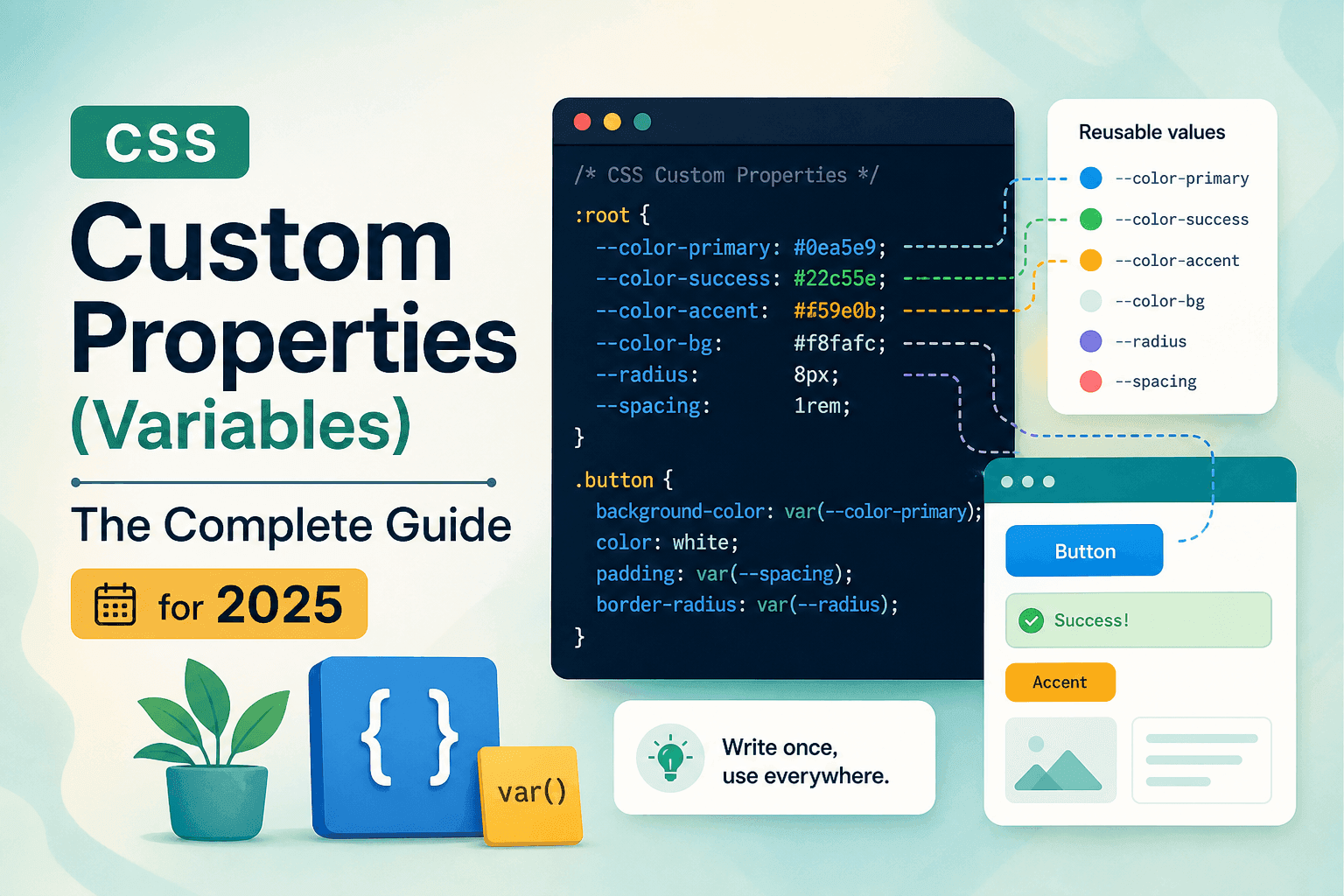
What Are CSS Custom Properties?
Quick Answer
CSS custom properties — commonly called CSS variables — are author-defined values stored in the CSS cascade using the -- prefix. They are referenced with the var() function. Unlike Sass variables, they exist at runtime in the browser, respond to CSS inheritance, and can be read and updated with JavaScript without a rebuild.
CSS custom properties are defined in the W3C CSS Custom Properties for Cascading Variables Module Level 1 specification. They allow authors to store a value under a name beginning with two dashes (--) and reference it anywhere in the stylesheet using the var() function. The value cascades and inherits through the DOM just like any other CSS property.
What makes CSS custom properties genuinely different from preprocessor variables is their runtime nature. A Sass variable is a compile-time construct — it is resolved during the build process and the resulting CSS contains only the static values, not the variable names. A CSS custom property survives into the browser: it lives in the computed style of an element, responds to media queries and attribute changes, and can be read and modified by JavaScript at any point during the user’s session.
The practical implications of this distinction are significant. You can switch an entire application theme by changing a handful of CSS variables on the root element. You can let users set their preferred font size and write that preference directly into a CSS variable. You can drive complex multi-step animations by updating a single variable from a requestAnimationFrame loop. None of this is possible with Sass variables alone.
Industry adoption:CSS custom properties are now a standard tool in every major design system, including Google’s Material Design 3 (which uses them extensively for colour tokens), GitHub’s Primer, and Shopify’s Polaris. Tailwind CSS 4.0 is also moving to CSS variables as its primary token system, replacing the compile-time configuration approach of previous versions.
How to Declare and Use CSS Variables
Quick Answer
Declare CSS variables on :root using the -- prefix: --brand-color: #1D9E75. Use them anywhere in your CSS with var(--brand-color). :root is the highest-level element in the DOM, so variables declared there are available everywhere on the page.
The syntax for declaring a custom property is a property name beginning with two hyphens, followed by any valid CSS value. CSS custom property names are case-sensitive: --Brand-Color and --brand-color are two different properties.
:root { --brand-color: #1D9E75; --text-primary: #1a1a1a; --text-muted: #6b7280; --spacing-sm: 8px; --spacing-md: 16px; --spacing-lg: 32px; --border-radius: 4px; --font-mono: "DM Mono", monospace;}Reference any custom property with the var() function. The var() function takes the custom property name as its first argument and can accept a fallback value as the second:
.button { background-color: var(--brand-color); color: #ffffff; padding: var(--spacing-sm) var(--spacing-md); border-radius: var(--border-radius); font-family: var(--font-mono);} .card { padding: var(--spacing-md); border-radius: var(--border-radius); margin-bottom: var(--spacing-lg);}The convention of declaring global design tokens on :root is widely adopted across the industry. :root targets the root element (<html> in HTML documents) and has a higher specificity than the html selector — making it the conventional location for variables that should be globally available.
Naming conventions for CSS variables
There is no official naming convention enforced by the specification, but the community has converged on a few patterns. The most widely adopted is a semantic naming system: --color-background, --color-text, --spacing-sm, --spacing-md, --font-size-base. This approach names variables by their purpose, not their value — making it far easier to change a colour scheme without renaming the variables themselves.
Avoid value-descriptive names like --green or --16px. When you change the value (and you will), the name becomes a lie. --color-accent remains accurate even when the accent colour changes from green to blue.
Fallback Values and Validation
Quick Answer
The var() function accepts a second argument as a fallback: var(--brand-color, #1D9E75). The fallback is used if the variable is not defined. Provide fallbacks for variables that might be undefined in component contexts, or for browsers that do not support custom properties — preceded by a static fallback declaration.
Fallback values are defined as the second argument to var(), separated by a comma. The fallback itself can be another var() call, allowing cascading fallback chains: var(--primary, var(--brand-color, #1D9E75)).
.element { /* Fallback for browsers without CSS variable support */ color: #1D9E75; /* Modern browsers use the variable: */ color: var(--brand-color, #1D9E75);}For browsers that do not support CSS custom properties at all (Internet Explorer 11), the fallback mechanism does not help — those browsers will not parse var() at all. The correct approach for IE11 support is to place a static value declaration before the var() declaration on the same property. IE11 reads the static value and ignores the invalid var() call; modern browsers read both and apply the last valid declaration.
Scope and Inheritance
Quick Answer
CSS custom properties cascade and inherit through the DOM like any inherited CSS property. A variable declared on a parent element is available to all its descendants. Declaring the same variable on a child element creates a local override that applies only within that element’s subtree — without affecting the global value.
Scope is one of the most powerful aspects of CSS custom properties — and the feature that most clearly distinguishes them from Sass variables. Because they participate in the cascade, you can declare a variable globally on :root and selectively override it within a specific component or section of the page.
/* Global variable */:root { --card-bg: #ffffff; --card-padding: 24px;} /* Component-scoped override */.card--dark { --card-bg: #1a1a1a; /* overrides only within .card--dark */} .card { background: var(--card-bg); /* reads local scope first */ padding: var(--card-padding);}This pattern — global default on :root, component override on a modifier class — is the foundation of component-level theming. The .card element reads var(--card-bg) and gets the globally-defined white background. The .card--dark modifier redefines --card-bg within its own scope, causing .card elements inside it to automatically use the dark background without any additional CSS rules.
Scope is not the same as encapsulation. CSS custom properties are still part of the cascade — a more specific selector can always override a variable just as it can override any other property. For true encapsulation of styles, use CSS Shadow DOM or CSS @scope (the newer specification currently gaining browser support).
CSS Variables vs Sass Variables
Quick Answer
Sass $variables are compile-time: resolved during the build, absent from the output CSS. CSS --variables are runtime: they live in the browser, inherit through the DOM, and can be updated with JavaScript. Use Sass variables for values that never change (a build-time constant); use CSS custom properties for anything that might change at runtime.
/* Sass variable — compile-time, static */$brand-color: #1D9E75;.button { background: $brand-color; } /* CSS custom property — runtime, dynamic */:root { --brand-color: #1D9E75; }.button { background: var(--brand-color); } /* Only CSS variables can do this: */document.documentElement .style.setProperty('--brand-color', '#ff4444');/* The Sass variable value is locked in at build time. */The two approaches are not mutually exclusive. Many teams use both: Sass variables for build-time constants (breakpoints, mathematical ratios, colour calculations) and CSS custom properties for runtime design tokens (theme colours, user-configurable spacing, component variants). Sass can even output CSS custom property declarations as part of its build step, combining both techniques.
| Feature | CSS Custom Properties | Sass Variables |
|---|---|---|
| Lives in browser | Yes — runtime | No — compile-time |
| JavaScript access | Yes — read & write | No |
| Responds to DOM scope | Yes — cascades & inherits | No |
| Media query overrides | Yes | No |
| Browser support | 97%+ (no IE11) | 100% (output is plain CSS) |
| Build step required | No | Yes |
| Dark mode / theming | Native — one attribute change | Requires class-based duplication |
Building a Theme System with CSS Variables
Quick Answer
Define colour and spacing tokens as CSS variables on :root. Add a [data-theme="dark"] override block on the same selector with dark values for each token. Toggle the data-theme attribute on <html> with JavaScript. Every element using those variables updates instantly — no re-rendering, no class sweeping.
Theme switching is the canonical use case for CSS custom properties, and the pattern is remarkably clean. Define all colour, spacing, and typography tokens as custom properties on :root. Add an alternative block — typically on a data-theme attribute — that redefines those same variables with dark (or any alternative) values. Toggle the attribute and the entire page updates instantly.
:root { --color-bg: #ffffff; --color-text: #1a1a1a; --color-accent: #1D9E75; --color-border: #e5e7eb; --color-surface: #f9fafb;} [data-theme="dark"] { --color-bg: #0f0f0f; --color-text: #f0f0f0; --color-accent: #34d399; --color-border: #374151; --color-surface: #1a1a1a;} body { background: var(--color-bg); color: var(--color-text);}This approach is fundamentally more efficient than class-based theming (where you maintain parallel .light-mode and .dark-mode rulesets for every component) and more maintainable than JavaScript-driven inline styles. Adding a new component to the system automatically respects the current theme as long as it uses the token variables — no additional theme-specific CSS needed.
You can also combine this with prefers-color-schemeto automatically apply dark mode based on the user’s OS preference, while still allowing manual override:
@media (prefers-color-scheme: dark) { :root:not([data-theme="light"]) { --color-bg: #0f0f0f; --color-text: #f0f0f0; /* ... other dark tokens */ }}Updating CSS Variables with JavaScript
Quick Answer
Use document.documentElement.style.setProperty('--var-name', value) to set a CSS variable from JavaScript. Read a value with getComputedStyle(element).getPropertyValue('--var-name'). Changes apply immediately and propagate to all elements using that variable — no React state or DOM sweeping required.
The JavaScript API for CSS custom properties is simple and direct. Reading a value, setting a new one, and removing a custom property are all single-line operations:
// Read a custom property value
const root = document.documentElement;
const accent = getComputedStyle(root)
  .getPropertyValue('--brand-color').trim();

// Set a custom property
root.style.setProperty('--brand-color', '#ff4444');

// Toggle dark mode
function toggleDarkMode() {
  const isDark = root.getAttribute('data-theme') === 'dark';
  root.setAttribute('data-theme', isDark ? 'light' : 'dark');
}
This pattern enables UI interactions that were previously only practical with JavaScript-driven inline styles or component state — colour pickers, font size sliders, spacing controls, progress indicators, and user-preference panels. Updating a single CSS variable on documentElementis far more performant than iterating the DOM and updating individual element styles, because the browser’s style recalculation engine propagates the change efficiently using its existing inheritance model.
Practical example: colour picker that updates the site theme
With a CSS variable-based theme system in place, implementing a real-time colour picker requires only a single JavaScript event handler:
document.querySelector('#color-picker')
  .addEventListener('input', (e) => {
    document.documentElement
      .style.setProperty('--brand-color', e.target.value);
  });
Every button, link, border, and badge using var(--brand-color) updates in real time as the user drags the colour picker. No component re-renders, no prop drilling, no state management library required.
To see CSS colour variables in action, use the CSS Color Palette Generator on CSSAwwwards — it generates a complete tint-and-shade scale and exports it as CSS custom properties ready to paste into your stylesheet.
CSS Variables for Animation
Quick Answer
CSS custom properties can be used as animation values when the property accepts the variable’s type. For direct animation of a custom property itself (so @keyframes can interpolate between values), use the @property rule (CSS Houdini) to register the property with a type — enabling smooth numeric transitions.
Using CSS variables in animation opens up powerful patterns. A progress bar driven by a single --progress variable, updated from JavaScript, needs no JavaScript animation loop — just a CSS transition on width:
/* Progress bar driven by a CSS variable */.progress-bar { --progress: 0%; width: var(--progress); height: 8px; background: var(--brand-color); transition: width 0.4s ease;} /* Animated colour using @property (Houdini) */@property --hue { syntax: '<number>'; inherits: false; initial-value: 0;} .gradient-shift { background: hsl(var(--hue), 70%, 55%); animation: hue-cycle 4s linear infinite;} @keyframes hue-cycle { to { --hue: 360; }}The @property rule (part of the CSS Properties and Values API, also known as CSS Houdini) takes this further. By registering a custom property with a specific syntax type, you can animate it directly in @keyframes with full interpolation. Without @property, the browser cannot interpolate a CSS variable because it treats the value as an opaque string — so animations on custom properties snap rather than transition. With @property declaring the variable as a <number> or <color> type, smooth animation becomes possible.
@property is supported in Chromium-based browsers and Safari since 2023, with Firefox support expected in 2025. For production use, test browser support and provide a fallback animation using standard properties.
Responsive Design with CSS Variables
Quick Answer
CSS custom properties can be redefined inside media queries. Define spacing, font sizes, and layout values as variables, then update those variables at breakpoints. All elements using those variables update automatically — this reduces the amount of media-query-specific CSS you need to write dramatically.
One of the most practical applications of CSS variables in responsive design is centralising responsive adjustments. Instead of writing media queries for every component, you write them once on the root variables:
:root { --font-size-base: 14px; --spacing-section: 48px;} @media (min-width: 768px) { :root { --font-size-base: 16px; --spacing-section: 80px; }} /* All elements using these variables update automatically */body { font-size: var(--font-size-base); }section { padding: var(--spacing-section) 0; }Every element using var(--font-size-base) and var(--spacing-section) updates automatically at the breakpoint — without a single component-level media query. This dramatically reduces the volume of responsive CSS in a large codebase and makes breakpoint adjustments a single-file change.
Note the limitation mentioned in the FAQ: you cannot use CSS variables as media query conditions. @media (min-width: var(--breakpoint-md)) does not work. The variables must be used inside the rule body, not in the media query expression itself.
Browser Support
Quick Answer
CSS custom properties are supported in all major browsers since 2016: Chrome 49+, Firefox 31+, Safari 9.1+, and Edge 15+. Global browser support is above 97% as of 2025. Internet Explorer 11 does not support them. For IE11 fallback, declare a static value before the var() declaration on the same property.
According to Can I Use, CSS custom properties have over 97% global browser support as of 2025. For the vast majority of projects, you can use them without any fallback strategy.
If your project must support Internet Explorer 11 (which has effectively reached end-of-life but still appears in some enterprise environments), the safest fallback is to place static declarations before var() calls on the same property, as shown in the fallback section above. Consider using a PostCSS plugin like postcss-custom-properties to automatically generate IE11-compatible static fallbacks from your CSS variables at build time.
The @property rule (CSS Houdini) has narrower support: Chromium browsers since 2020 and Safari since 2023. Firefox support is in progress. For @property-dependent features, check support or provide graceful fallbacks.
Frequently Asked Questions
- What are CSS custom properties?
- CSS custom properties — also called CSS variables — are values defined with the
--prefix that live in the CSS cascade and are referenced withvar(). Unlike Sass variables (which are resolved at build time), CSS custom properties exist at runtime in the browser, respond to DOM scope and inheritance, and can be read and modified with JavaScript. - What is the difference between CSS variables and Sass variables?
- Sass variables are compile-time: resolved during the build, absent from output CSS. CSS custom properties are runtime: they live in the browser, can be updated with JavaScript, and respond to CSS inheritance. Use Sass variables for build-time constants; use CSS custom properties for anything that might change at runtime — theme colours, user preferences, animation state.
- Can CSS variables be changed with JavaScript?
- Yes. Use
document.documentElement.style.setProperty('--variable-name', 'new-value')to set a custom property from JavaScript. The change propagates immediately to every element using that variable. This is the standard technique for theme switching, colour pickers, and real-time UI controls. - How do you use CSS variables for dark mode?
- Define colour tokens as CSS custom properties on
:root. Add a[data-theme="dark"]override block with dark versions of the same variables. Toggle thedata-themeattribute on<html>from JavaScript. Every element using those variables updates instantly without touching individual component styles. - Can CSS custom properties be used in media queries?
- CSS variables cannot be used as media query conditions (e.g.
@media (min-width: var(--bp-md))does not work). However, you can redefine variable values inside media queries — all elements using those variables update at the breakpoint automatically. This is a powerful pattern for responsive spacing and type scales. - What is the browser support for CSS custom properties?
- Over 97% global browser support as of 2025. Supported in Chrome 49+, Firefox 31+, Safari 9.1+, and Edge 15+. Internet Explorer 11 does not support CSS custom properties. For IE11, declare a static fallback value on the same property before the
var()declaration.
Conclusion
CSS custom properties are one of the most impactful features added to CSS in the past decade. They bring a runtime variable system to a language that previously required preprocessors for basic code reuse — and they go further than preprocessors by allowing values to change in response to user actions, DOM changes, media queries, and JavaScript, all without a build step.
The practical benefits compound quickly. Start by migrating your hardcoded colour values to CSS variables — this alone enables dark mode with a dozen lines of CSS. Then move spacing and typography scales to variables for responsive control at a single point. Add JavaScript integration when users need real-time controls. Use @property for smooth variable-driven animations when browser support allows.
Custom properties are not just a developer convenience — they are the foundation of modern CSS design systems. Google Material 3, GitHub Primer, Shopify Polaris, and Tailwind CSS 4.0 all rely on them as the primary mechanism for design tokens. Learning them thoroughly is an investment that pays dividends in every project you build.
To put CSS variables to work immediately, try the CSS Color Palette Generator — it generates a complete colour scale and exports it as ready-to-use CSS custom properties. Browse the full Frontend Toolkit for more free tools that export clean CSS you can drop straight into your stylesheet.
Share this article